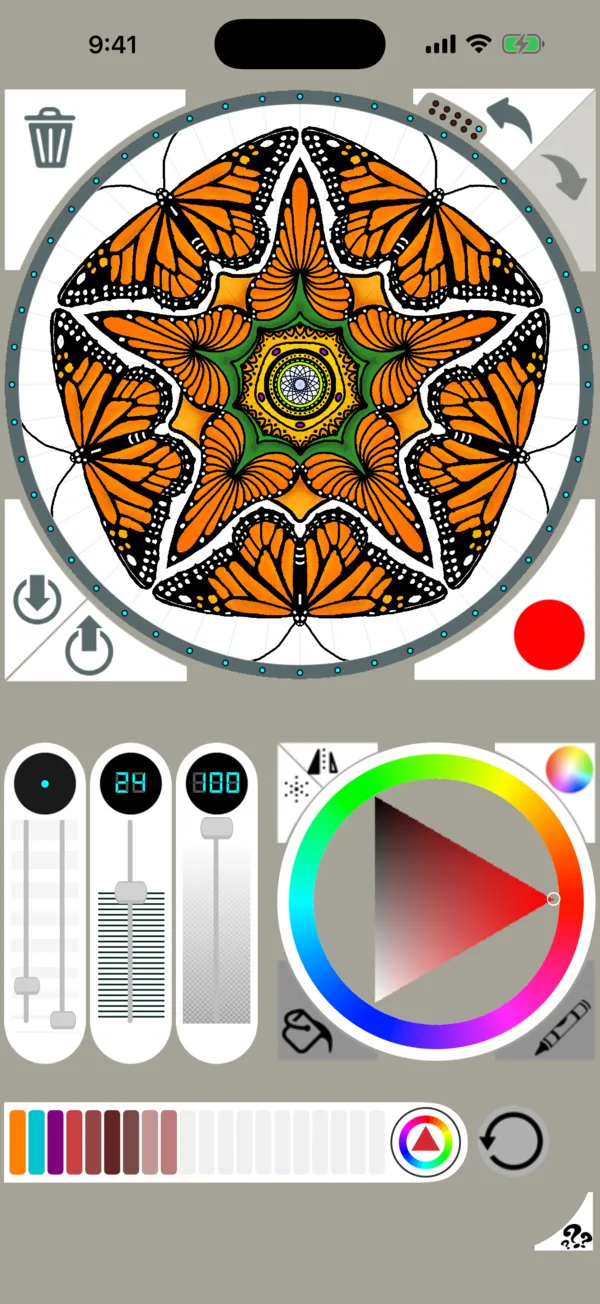
Draw in symmetry
Up to 36 mirrored lines, brush shapes, soft edges, a fill bucket that never crosses a line, and undo for when the cat walks across the screen.
draw in symmetry · color in calm
Every line you draw is mirrored around the circle, so anything you sketch becomes a mandala. Color hand-drawn pages that arrive every week, or turn your own drawings into coloring pages.
For iPhone and iPad, iOS 15 or later.
Try it
Drag across the circle. SpiroDoodle copies your stroke around the center and mirrors it, the way the app does, with brushes, softness, a paint bucket and many more colors.
What's inside
Up to 36 mirrored lines, brush shapes, soft edges, a fill bucket that never crosses a line, and undo for when the cat walks across the screen.
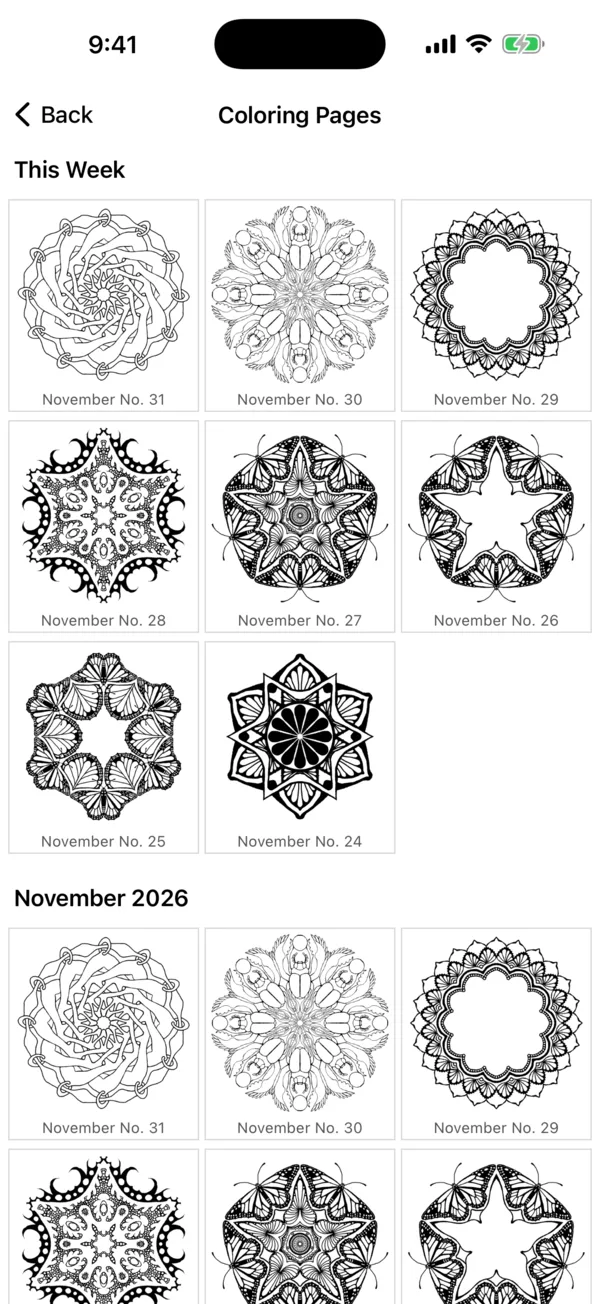
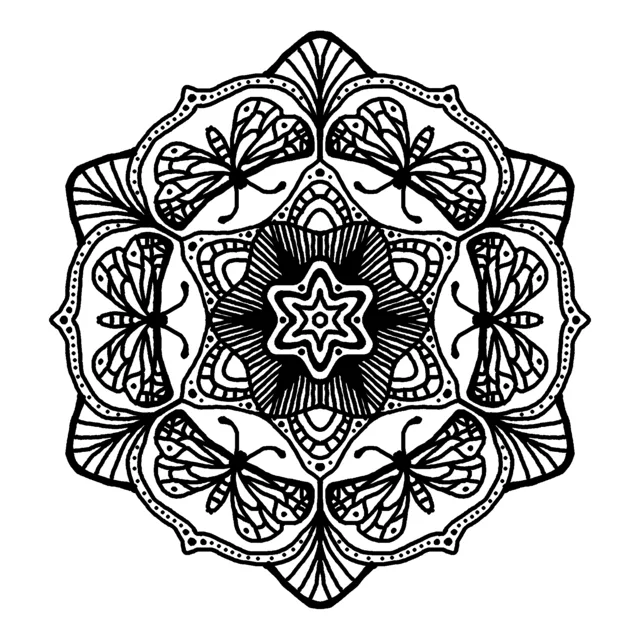
Hand-drawn mandalas made for coloring, with new pages every week. Color with the paint bucket or brushes, and the lines stay crisp.
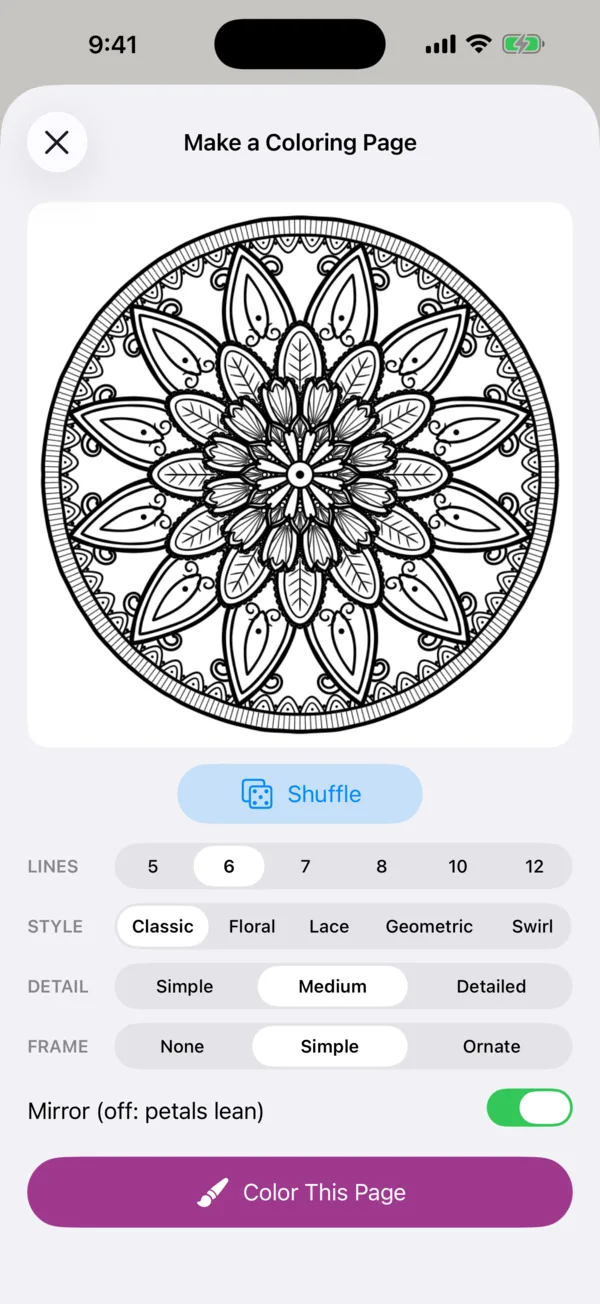
Shuffle up a new mandala in Classic, Floral, Lace, Geometric or Swirl, choose its detail and frame, and start coloring.
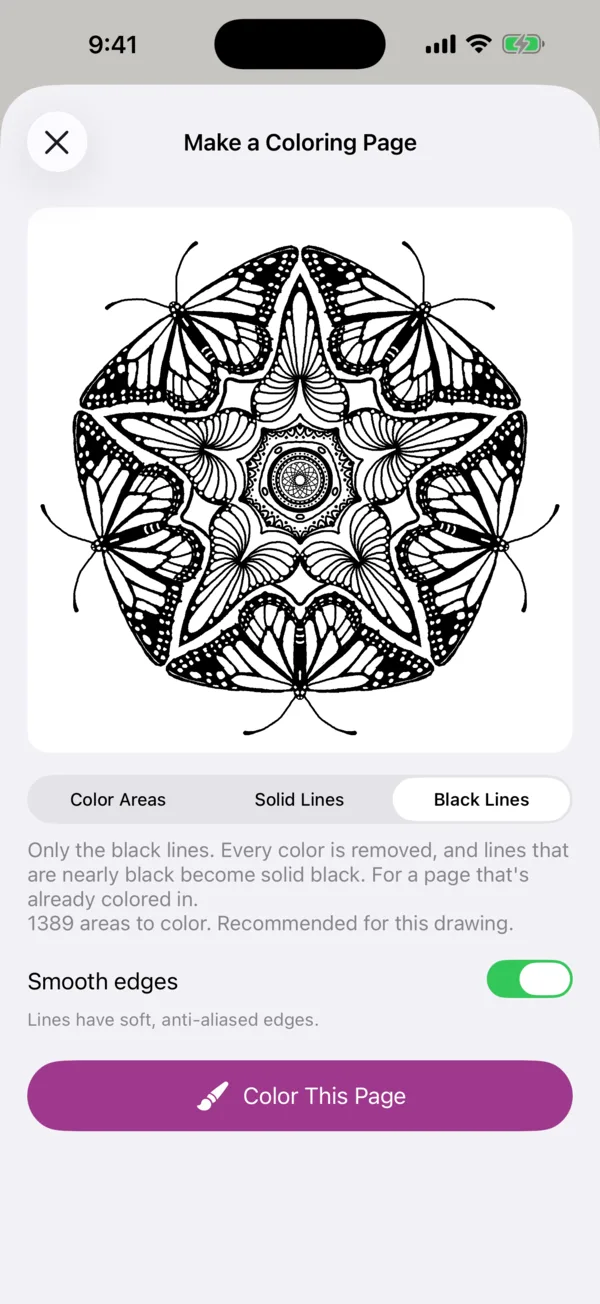
Turn any drawing into a coloring page: outline its color areas, keep its black lines, or make every line solid.
Made in SpiroDoodle
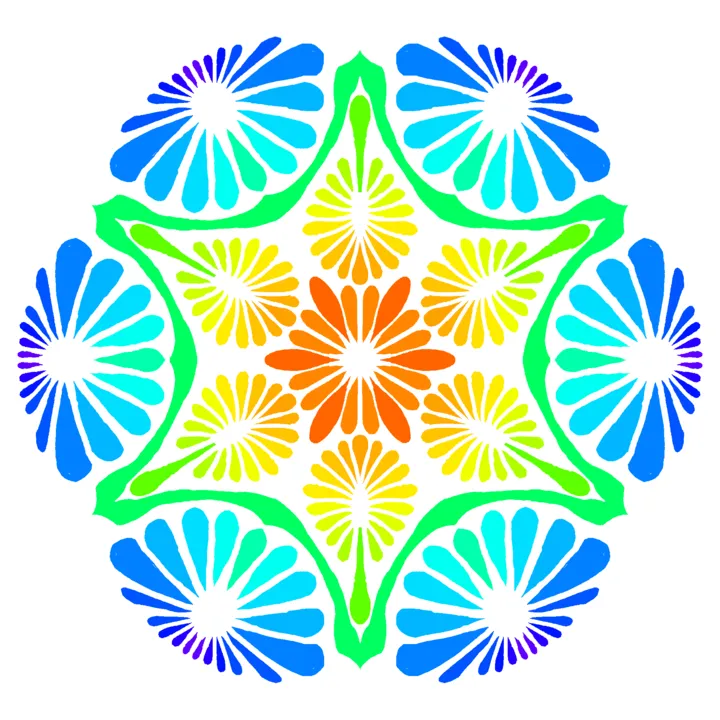
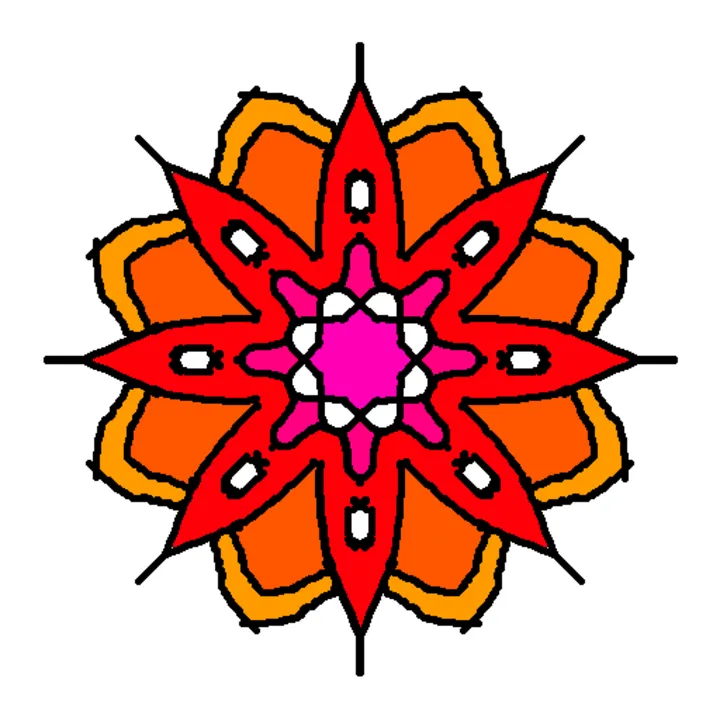
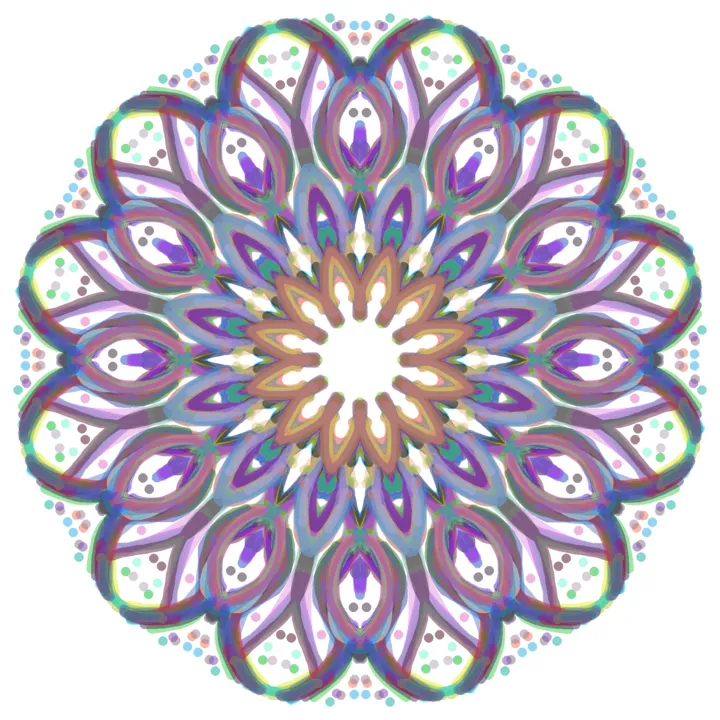
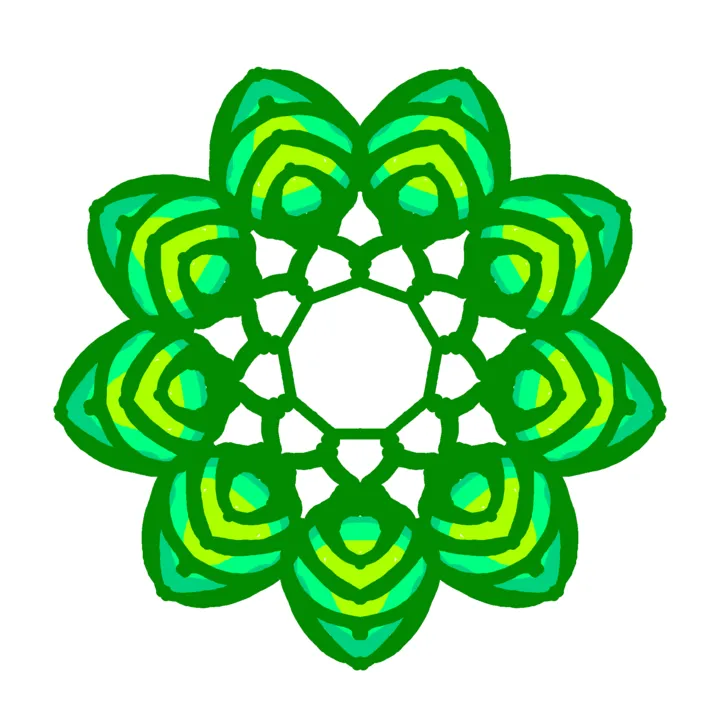
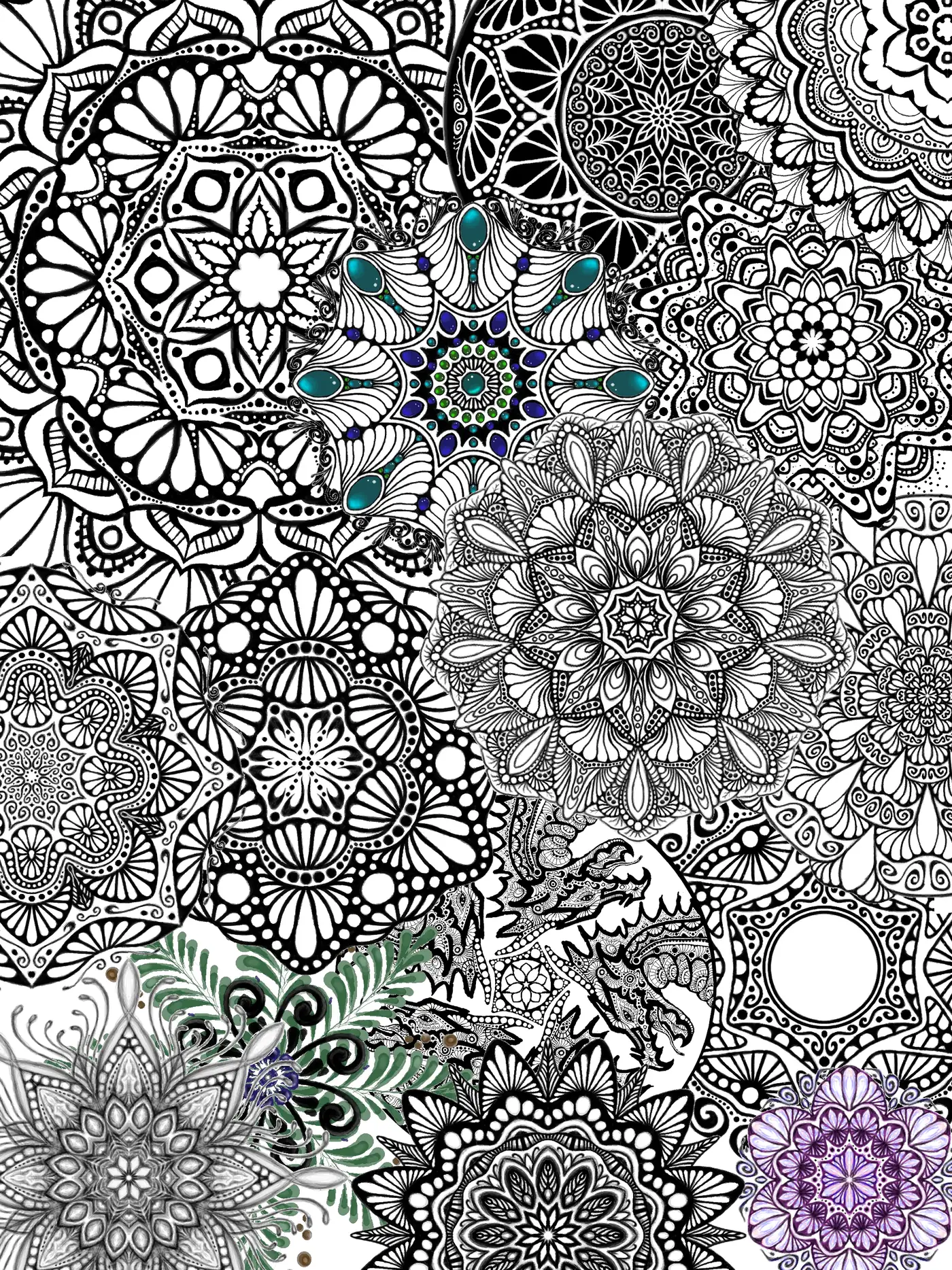
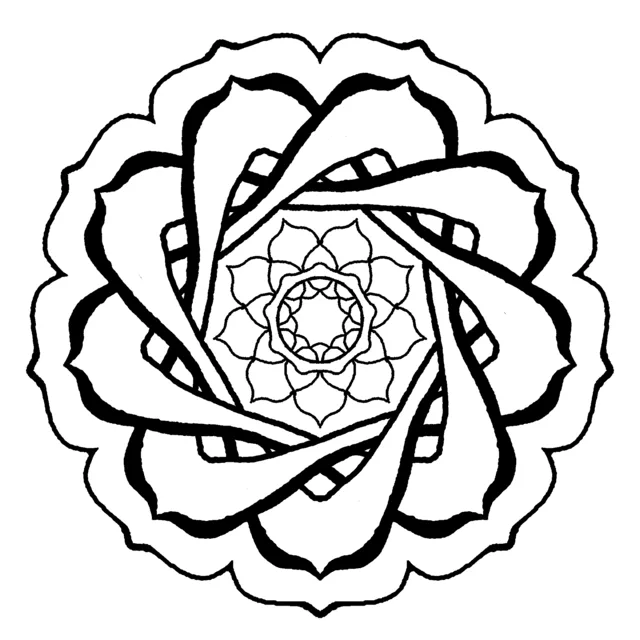
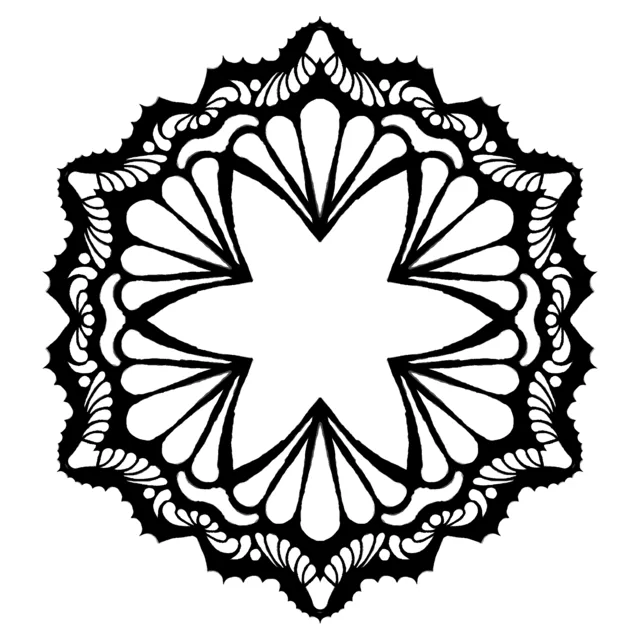
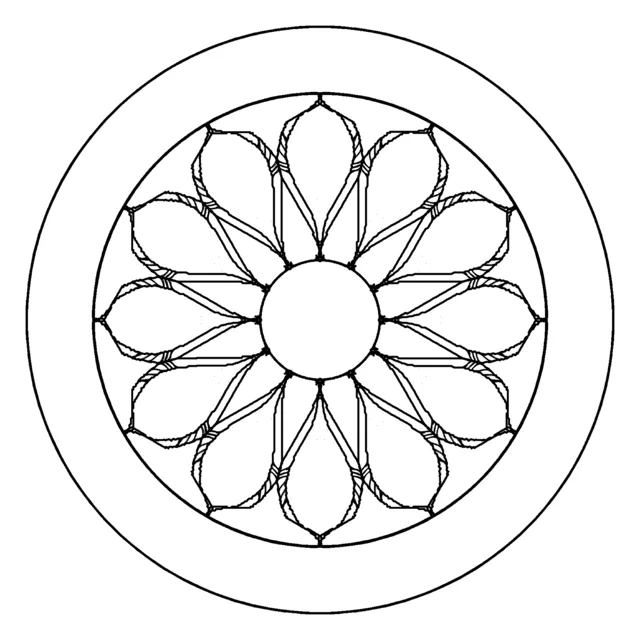
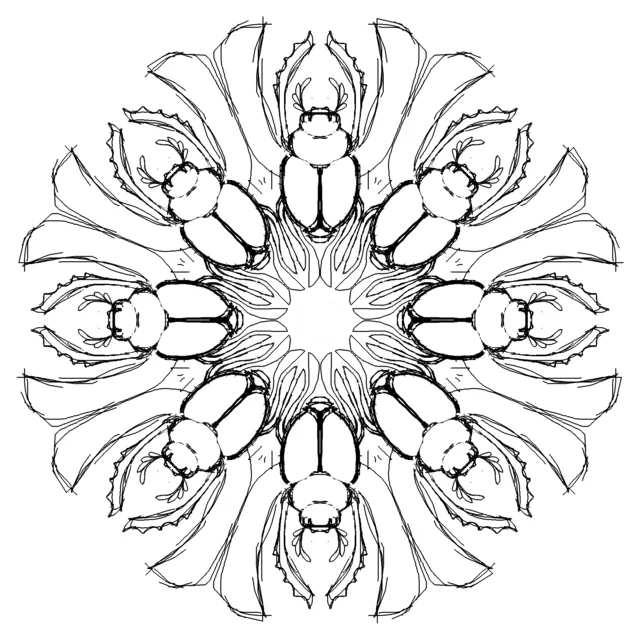
Every one of these was drawn on an iPhone or iPad, one mirrored stroke at a time.
The library
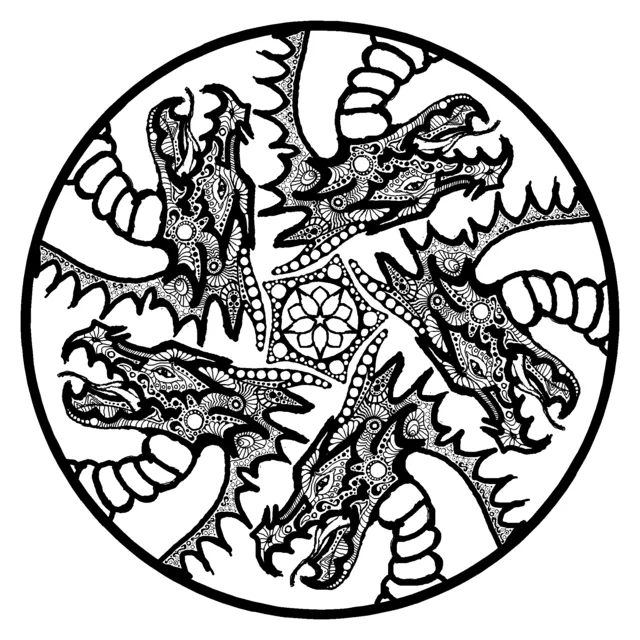
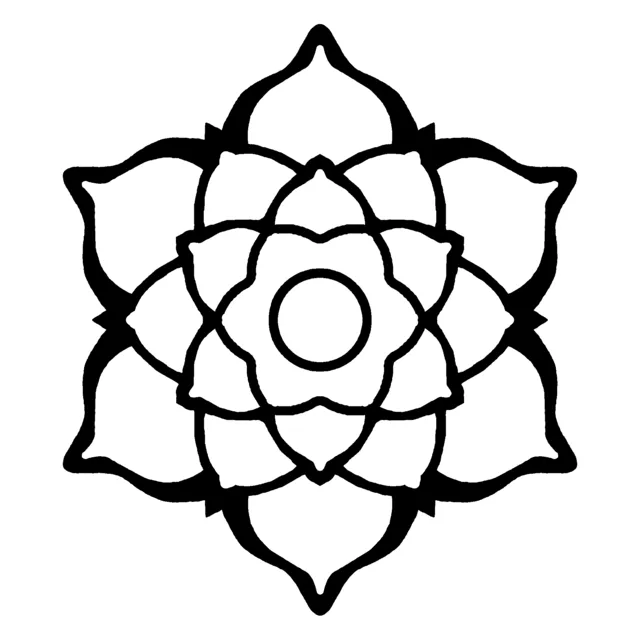
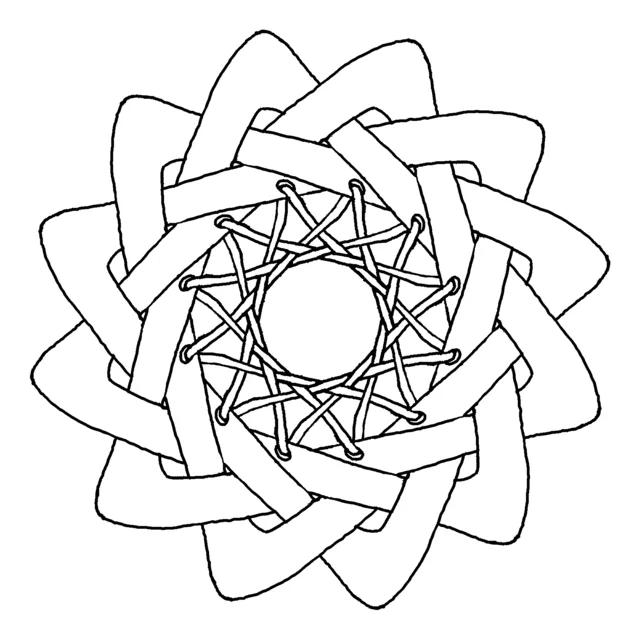
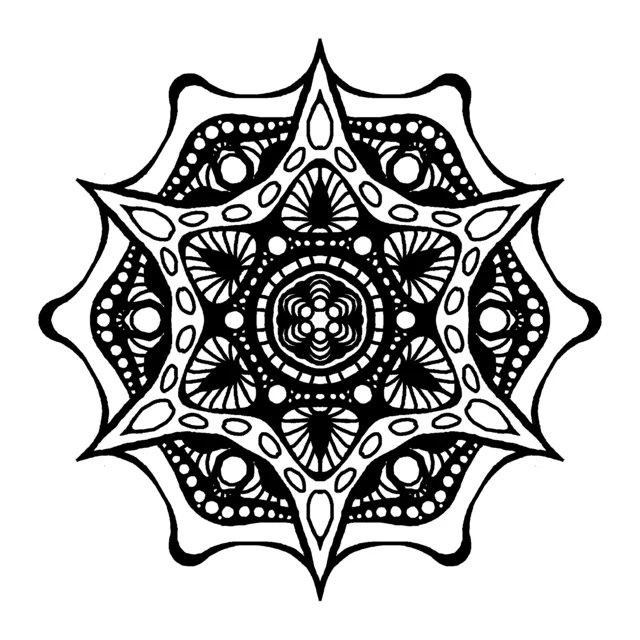
Mandalas drawn for coloring: lines that close, areas big enough to tap, from simple to wonderfully intricate.
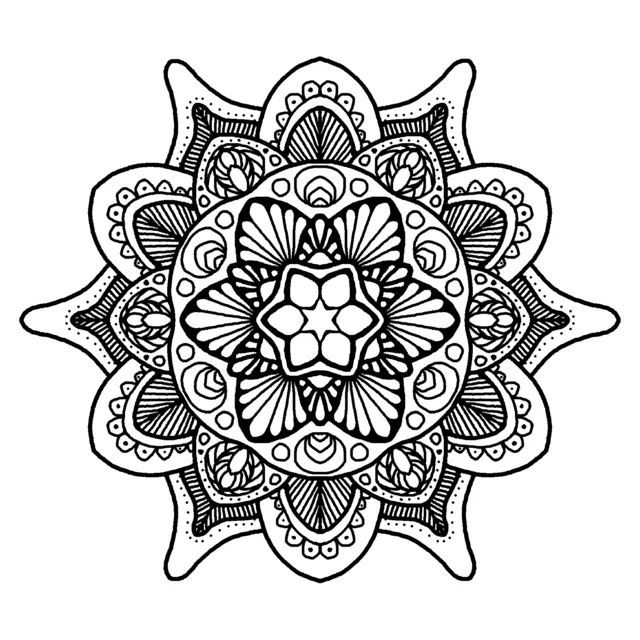
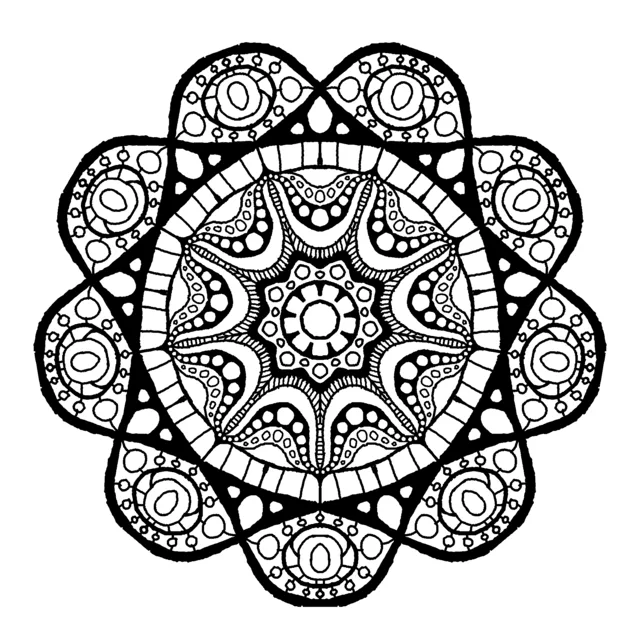
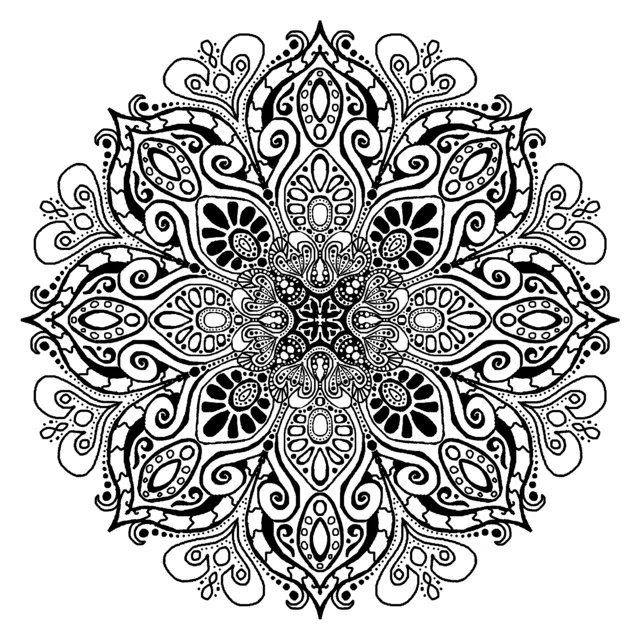
Open Coloring Pages and choose one. It downloads once and stays on your device.
Palettes made for each page, shades and harmonies of any color, or your own palettes.
Tap to fill an area or paint with a brush. The black lines are protected, so color never covers them.
For iPhone and iPad. Your drawings stay on your device, with no account and no ads.